
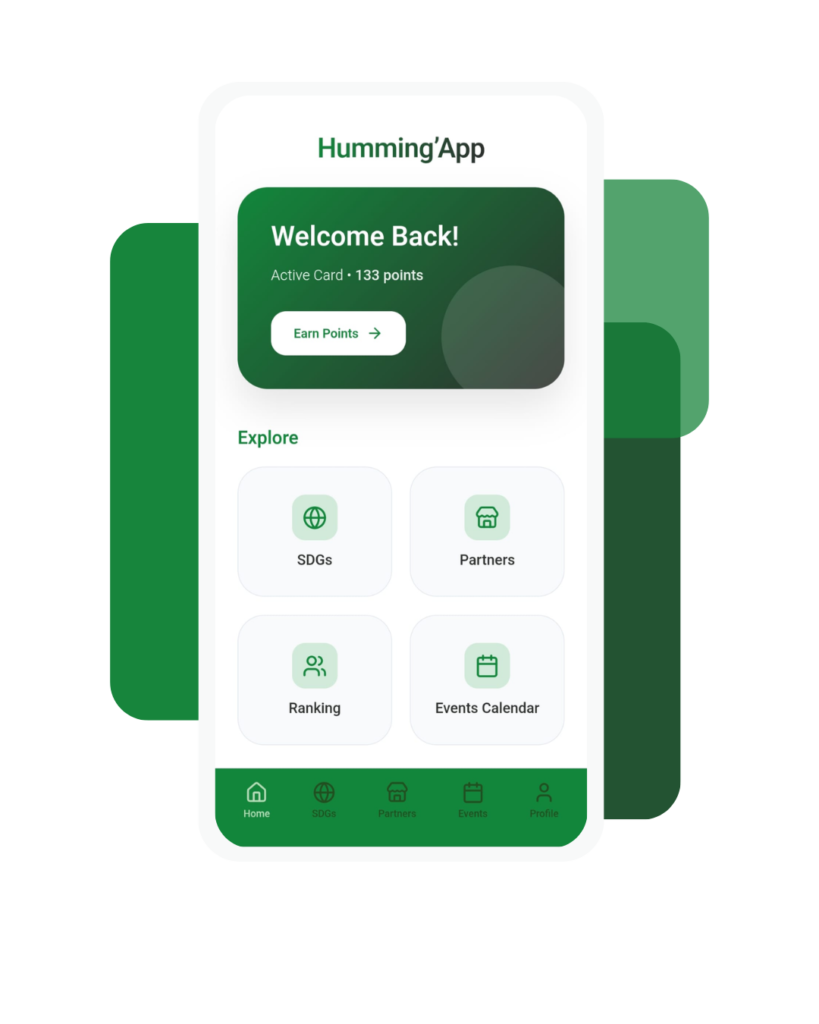
Download the Humming’App to get your card!
Humming’App enhances your physical student card experience with a secure, all-in-one digital version.
Access discounts, connect with partners, and see your purchase history directly from your phone.
Add the app to your home screen in 3 simple steps.

iPhone (iOS)
- Open the link in Safari
- Tap the Share icon (square with an arrow)
- Select “Add to Home Screen”
- Confirm
Humming’App will now appear on your home screen.

Android
- Open the link in Chrome
- Tap the three dots in the top-right corner
- Select “Add to Home screen”
- Confirm
Humming’App will now appear on your home screen.